Article Overview
Huawei optical modules may fail due to compatibility issues, incorrect installation, fiber mismatches, or abnormal transmit/receive power levels.
Common Causes
- Module Compatibility: The optical module may not be certified for Huawei switches. CE series and other Huawei switches require certified modules; uncertified modules may prevent the interface from going Up. Look for the Huawei logo on the module label to confirm certification .
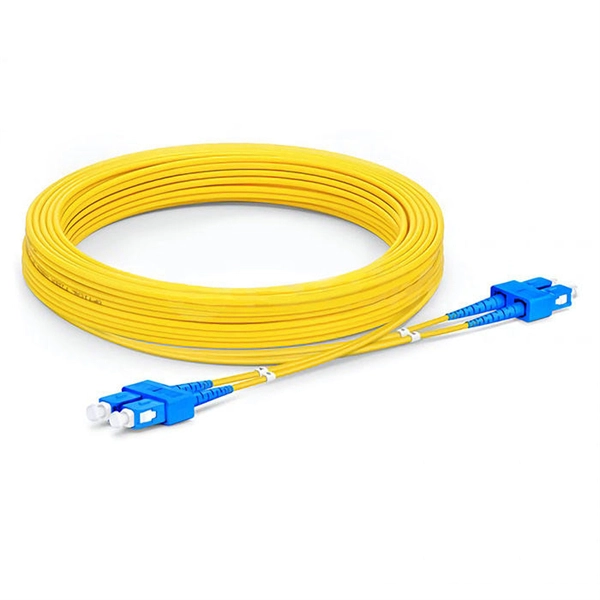
- Fiber Type Mismatch: Single-mode modules (1310 nm or 1550 nm) must use single-mode fiber (yellow), and multimode modules (850 nm) must use multimode fiber (orange). Mismatched fiber and module types can prevent connectivity .
- Improper Installation: If the module is not fully inserted or the latch is not secured, the device may not recognize it. Contaminated optical receptacles can also reduce coupling efficiency or damage the fiber pin .
- Abnormal Optical Power: Transmit or receive power that is too high or too low can trigger alarms and prevent the link from establishing. Overloading the module with high-power signals can permanently damage it .
- Port Configuration Issues: Differences in working rate, duplex mode, or negotiation settings between the two ends of the optical interface can prevent the port from going Up. Combo ports must be configured correctly to operate as optical ports .
Troubleshooting Steps
- Verify Module Certification: Ensure the module is Huawei-certified. Replace uncertified modules with certified ones if necessary .
- Check Fiber Compatibility: Confirm that the fiber type matches the module type. Replace fiber or module if mismatched .
- Inspect Installation: Remove and reinsert the module until a click is felt, ensuring the latch is secured. Clean the optical receptacle if contaminated .
- Check Alarms and Power Levels: Use the commands
display interface transceiveranddisplay interface transceiver verboseto check for LOS alarms or abnormal transmit/receive power . - Verify Port Status: Run
display interface xgigabitethernet0/0/2(replace with actual port) to check if the port is administratively down. Useundo shutdownto bring it Up . - Perform Loopback Test: Connect the fiber jumper to the same module to test the port. If the port works in loopback, the module and fiber are likely functional .
- Switch Ports if Needed: If the fault persists, try another port to determine if the original port is faulty . By systematically checking module certification, fiber type, installation, power levels, and port configuration, most Huawei optical module issues can be identified and resolved.
Optical Module Solutions for Huawei S5700/S5720 Series Switches
This article summarizes several solutions for using optical modules with switches and common problems encountered
Displaying Optical Module Information
The working temperature range of the optical module does not meet requirements, causing the optical power to be reduced at a high
ALM-135462942 The optical module is invalid 136221
Replace the optical module, and check whether the alarm is cleared. If so, the alarm handling ends. If not, collect alarms, logs, and
Troubleshooting Guidelines for Optical Modules
An Optical Module Does Not Send Optical Signals The Transmit Optical Power of an Optical Module Is Too Low Information About
Optical Module: An Optical Module Does Not Send Light Signals
Procedure Use an optical power meter to test whether the transmit power of the optical module is normal. If not,
Troubleshooting for Optical Modules on Huawei Switch
Check whether the optical module is Huawei-certified. If it is not certified by Huawei, replace it with a
Huawei Enterprise Support Community
We''re sorry but web site doesn''t work properly without JavaScript enabled. Please enable it to continue.
What Is Optical Module Channel Loss Resistance?
Using Huawei''s 400GE SR8 optical module as an example, with the lane downgrade technology of the optical

Troubleshooting Optical Module Issues
Troubleshooting Optical Module Issues Symptom An optical port cannot go Up. The optical module cannot be properly
Optical Module: The Device Cannot Display Any Optical Module
Check whether the optical modules are Huawei-certified ones. If not, contact the vendor of the optical modules. If possible, remove
Port: Optical Ports on the AC Cannot Go Up
Use an optical fiber to perform a loopback test on the Huawei device. If the link goes Up, the Huawei device is working properly, and
Optical Modules Fail to Communicate
Procedure Check whether the optical modules have been certified by Huawei. Devices must use optical modules certified by Huawei.
Checking the Optical Module Type
Some non-certified optical modules are not designed in compliance with EMC standards and have low anti-interference capability.
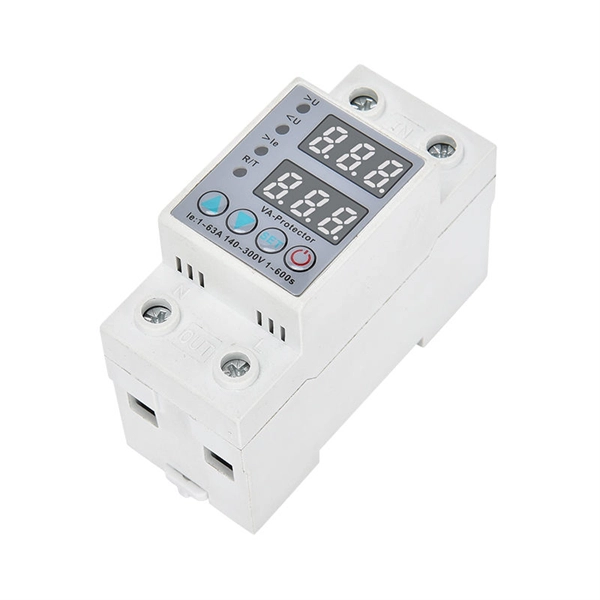
Optical Interface Interconnection Is Abnormal on CE Switches
After an SFP-GE copper or optical module is installed on a GE or 10GE optical interface, or a high-speed cable is
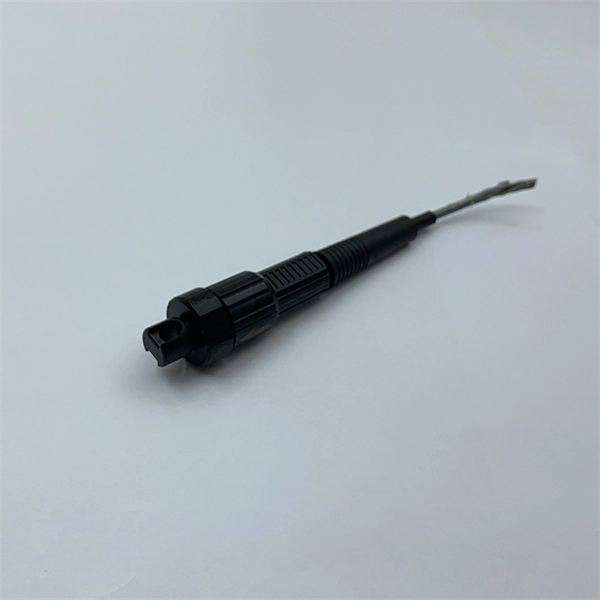
Common problems and solutions in the installation and use of optical
First, we need to confirm whether the type of optical fiber jumper and optical transceiver is correct, and second,
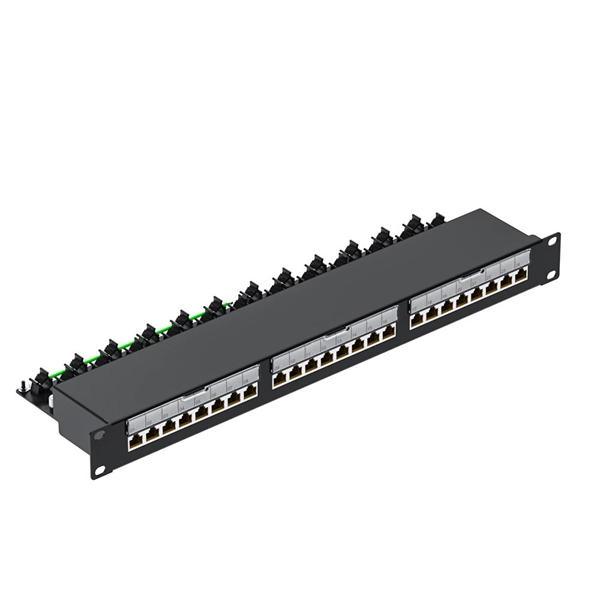
Troubleshooting and Repairing Optical Transceiver Failures in
Non-OEM SFP modules may not necessarily adhere to the vendor''s specifications, which could lead to the module
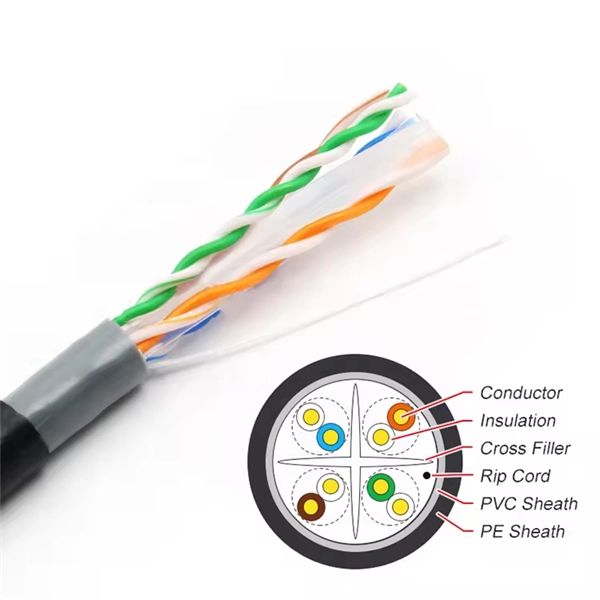
Troubleshooting Interface Down Problems
In this case, replace the optical module (use an optical module that is not a single-fiber bidirectional optical module) to rectify the
Optical Module Not Working? How to Troubleshoot in Minutes!
If your optical module isn''t working properly, how to find and fix the problem? We list 5
Huawei Switches Viewing Optical Port Receiving and Sending
Use the command display transceiver to view the optical module information of all optical ports, and use the command
Troubleshooting Optical Module Issues
The working rate, duplex mode, and negotiation mode of the two ends of the optical interface are different. The port does not match
Optical Interface FAQ: Transceiver Compatibility Guidelines for
Q7: What is the optical module interoperability standard for different Huawei products? Broad interoperability between Huawei
An Optical Module Does Not Send Optical Signals
If the transmit optical power is abnormal, replace the optical module. Remove and reinstall the optical module. If the fault persists,
Troubleshooting for Optical Modules on Huawei Switch
Optical modules plays an important role in optical network, it will bring many troubles when it not working, in this passage, you''ve
Optical Module Troubleshooting
Interfaces that use optical modules that are not certified for Huawei data center switches may be unable to go Up. If an optical
Optical Module Solutions for Huawei S5700/S5720 Series Switches
When using switches, we may encounter many confusions, such as what types of optical modules are needed for
Troubleshooting Optical Module Issues
Check whether the transmit optical power and receive optical power of the optical module are within the normal range.
Replacing an Optical Module
Optical modules are electrostatic-sensitive components; therefore, you must take ESD protection measures when replacing optical
Optical Module Troubleshooting
Power Module Troubleshooting Fan Module Troubleshooting Optical Module Troubleshooting Case Study: Optical Modules on the
An Optical Interface Cannot Go Up
An optical module with a longer transmission distance supports higher transmit power. If an optical module supporting a long
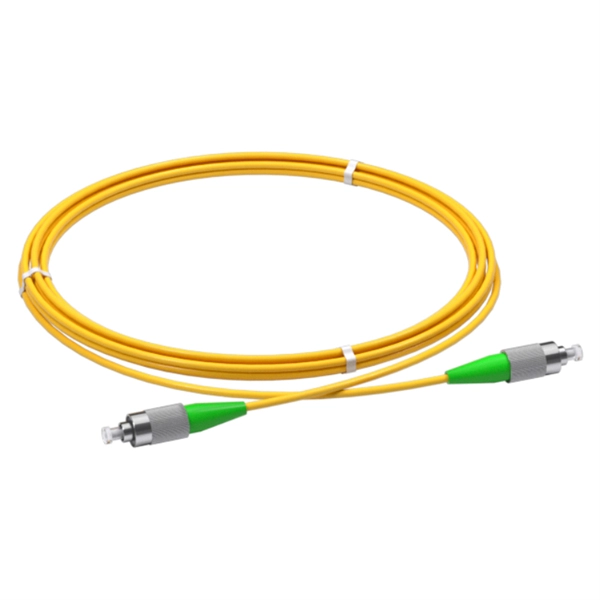
Troubleshooting Guidelines for Optical Modules
If the optical module type does not match the interface (fault ID: 136203), check whether the optical module rate is
How To View Optical Transceiver Information On Huawei Switches
Optical transceivers are widely applied in switches, network cards, routers and other communication devices.
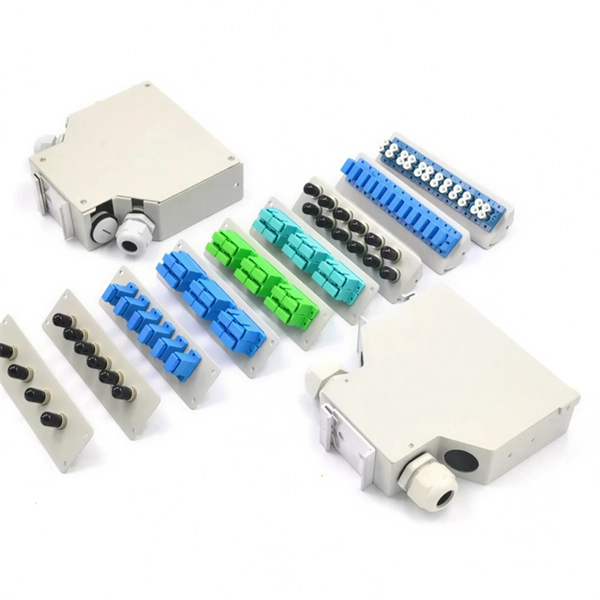
Displaying Optical Module Information
Displaying Optical Module Information You can use the display commands to view information about the optical module on an
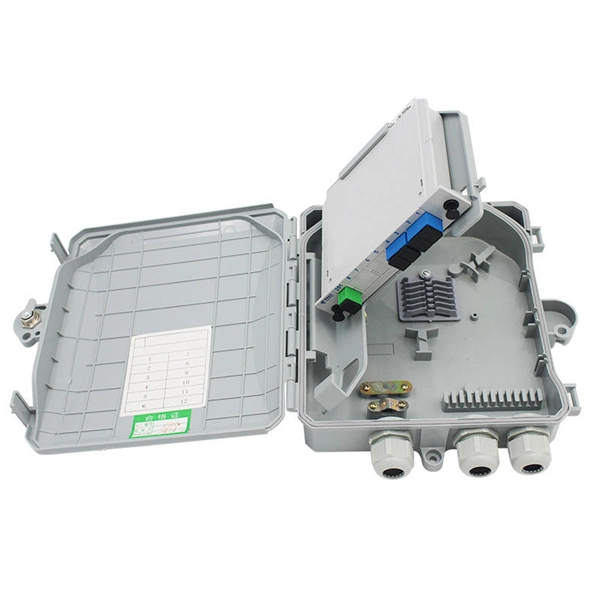
Replacing an Optical Module
Huawei is not responsible for any problem caused by the use of non-Huawei-certified optical modules and will not fix such problems.
Replacing an Optical Module
If the optical module does not work, use an alcohol swab to swap the fiber connectors in one direction, and then connect the optical
Troubleshooting Guidelines for Optical Modules
Remove and reinstall the optical module. If the fault persists, replace the optical module with a normal one of the
Huawei Technical Support
Huawei Technical Support
Typical Troubleshooting Cases of Optical Module
If not, replace it with a Huawei-certified optical module. If the optical module is installed on a GE port, run the display interface
Related Resources
- Pull-out fiber optic terminal box like a cover
- Dimensions of Industrial Secondary Distribution Boxes
- Remote Power Supply and Voltage Stabilization System
- 1 What are the advantages of relay protection
- Guyana Anti-corrosion Distribution Boxes
- Turkish Stockpile Cable Trays and Consumables
- Concealed Electrical Box Installation Standards
- Serbian stainless steel cable tray manufacturer direct supply
- Grenada Explosion-proof Distribution Box Body National Standard
- Norwegian Railway Industrial Switch Manufacturer
- Optical Power Meter Interface sc
- 10kV busbar ring belt
- MTP Connectors High Temperature Resistance Overseas Warehouse
- Price of Intelligent Secondary Power Distribution Cabinet for Tunnels
- Dazi 800g Optical Module
- Belarusian dustproof and explosion-proof distribution box quality
- Norway Hot-Dip Galvanized Cable Tray Wholesale
- Fiber Optic Geological Sensor
- Fireproof cable tray wholesale nearby
- Langzhong Hot-dip Galvanized Cable Tray Procurement